
Ready to get started?
Whether you want to do the implementation yourself or you want us to
assist, it’s easy to get started. We offer integrations with a wide
range of platforms and are always available for assistance if you
need us.
Just use the chat icon in the left corner to
talk to one of our specialists now.
What does Onboarding look like at Clerk?
We understand that getting starting with a new tool can be
daunting, which is why we offer two onboarding
options.
The
first option
is for clients who prefer a more
hands-on approach. We offer an
implementation option where our team will assist with the setup
process. Our experienced implementation specialists will work with
you to ensure that Clerk is customized to fit your unique needs
and goals.
The
second option is a
self-serve process designed for
clients who prefer to handle the setup themselves. With our
intuitive interface and user-friendly guides, you'll be able
to get Clerk set up in your webstore in no time.


Integrate Clerk with our 15+ pre-built integrations
To simplify the onboarding process, we offer +15 pre-built integrations to all major e-commerce platforms, incl. Shopify, Magento, Prestashop, JTL, and many more. If your platform is not on the list, remember that you can always integrate your store via our open API.
See pre-built integrations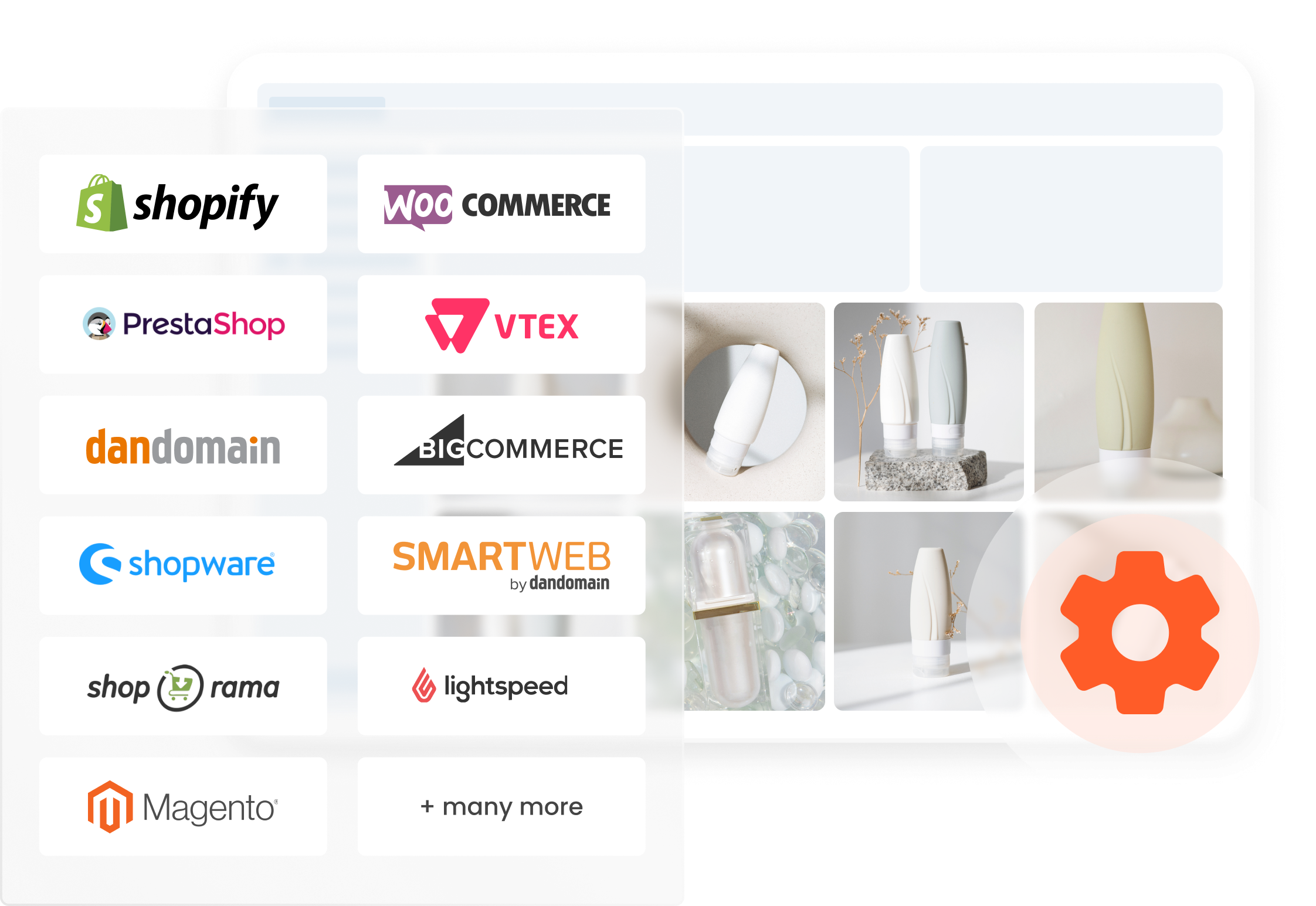
Integrate your store via our Open API
You can integrate any store with Clerk's open API
integration. Seamlessly connect and unlock personalized e-commerce
solutions to tailor your shop's success while leveraging our
powerful technology.
You will follow our self-served
implementation
step-by-step guide and can go live whenever you're ready and
without any complications.






Overview of platforms with
pre-built integration















With our assistance, you will go through a 5-step process
*This is only possible if we have a pre-built integration for your platform. Take a look at our list here


Welcome meeting



Platform access

Synchronization and set up


Approval


Go live

Step 1 - Welcome meeting
Our Customer Success team member will meet you online before the
implementation process begins. They will introduce themselves and
walk you through the plan in detail, answering any questions you
may have.
Your Customer Success Manager will work with
you to align on the implementation, ensuring you go live with our
best practice setup so that you can get off to a great start.
Step 2 - Platform access
In order to proceed with the implementation process, we kindly
request access to your Content Management Platform.
This
is a vital step in the process as it allows our team to get
started on implementing the platform seamlessly into your website.
Step 3 - Synchronization and Setup
Firstly, we start the synchronization in order to establish the
data flow.
Then, we ensure that the design is simple
and that the best practice setup is prepared for your website
according to the agreement of the welcome meeting.
Step 4 - Approval
Once our Integration Specialists have completed the setup, your Customer Success Manager will schedule a meeting to present it for approval before going live with our products on your platform.
Learn more
Step 5- Go live
After approval, we go live with Clerk on your webstore!
Our
platform requires no learning period and provides value to your
webstore right away.
Thousands of e-tailers are using Clerk to grow their business










You can onboard Clerk yourself by following these three simple steps
*If you are using our open-API, this is the way for you!
Welcome meeting

Follow our guide

Go live
Step 1 - Welcome meeting
A member of our Customer Success team will meet with you online to
introduce the simple implementation process, provide helpful
articles, and align on the setup to help you get off to a good
start.
Additionally, to ensure you get value from your
Clerk products as quickly as possible, a timeframe will be
scheduled with follow-up meetings to accommodate for any necessary
questions or requests during the process.
Step 2 - Follow our guide
By following our step-by-step guide, you'll be able to go
live without any complications. Our user-friendly interface allows
you to easily navigate through the platform and set up Clerk
within your webshop.
In addition, Clerk offers a
comprehensive help center that is available from the minute you
sign up, complete with detailed videos and technical articles to
assist you and your developer with any questions or concerns you
may have along the way.
Step 3 - Go live
It's time go to live with Clerk on your webstore!
Our
platform requires no learning period and provides value to your
webstore right away.
Want to see how Clerk works?
Simply request your personalized demo

Completely free of charge
Book the best suitable timeslot for you
See Clerk in action with your own products
No complex sales pitch, just a platform tour