 June 7, 2026
  3 min read


Clerk.io just became easier to use for more teams.
You can now change the language of your Clerk.io interface directly from your user settings. This means users can work in the language they are most comfortable with, without needing help from support or changing anything for the whole account.
What’s new
We’ve added language selection to the Clerk.io user settings.
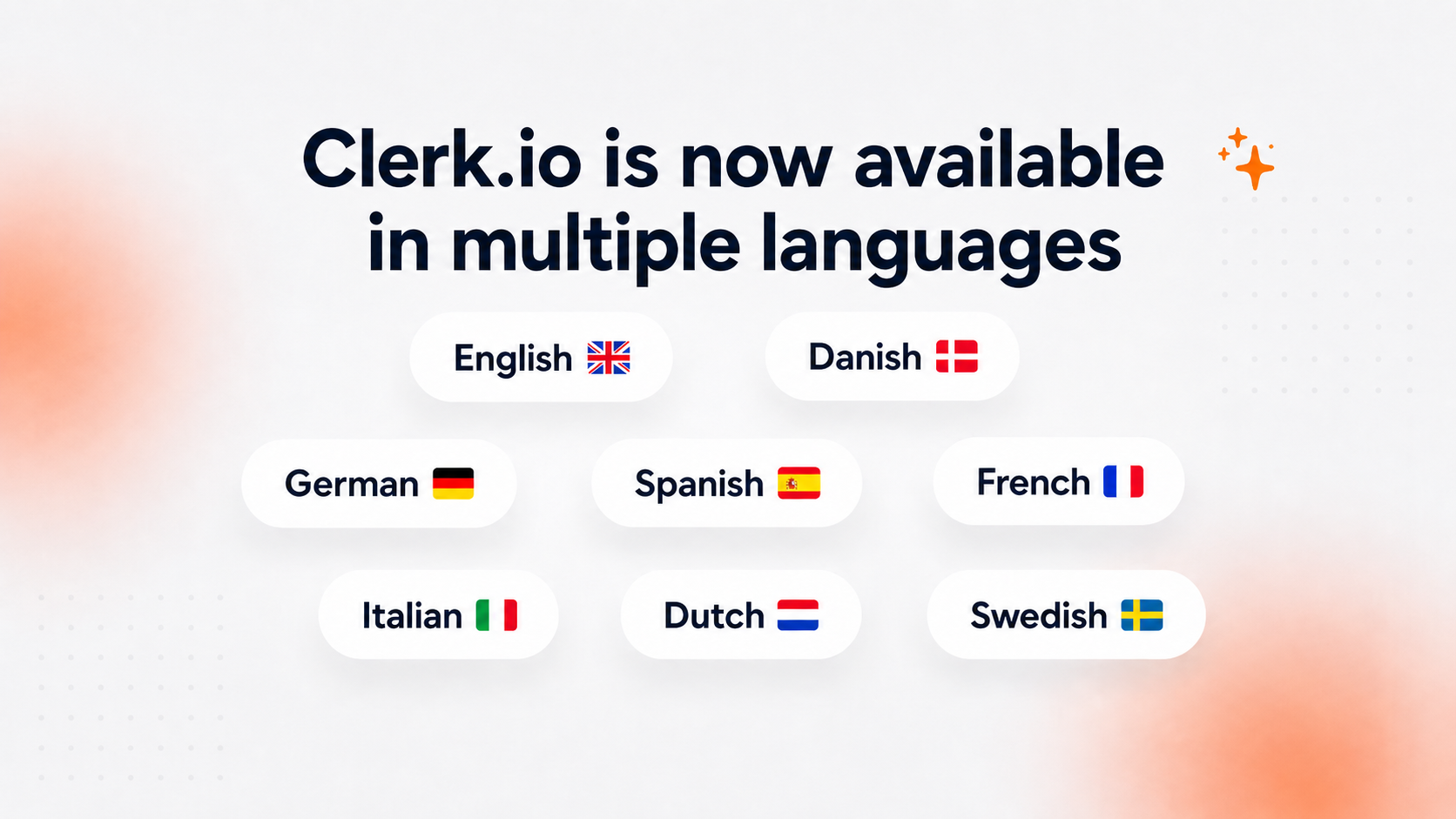
You can now switch the UI language to:
English 🇬🇧
Danish 🇩🇰
German 🇩🇪
Spanish 🇪🇸
French 🇫🇷
Italian 🇮🇹
Dutch 🇳🇱
Swedish 🇸🇪
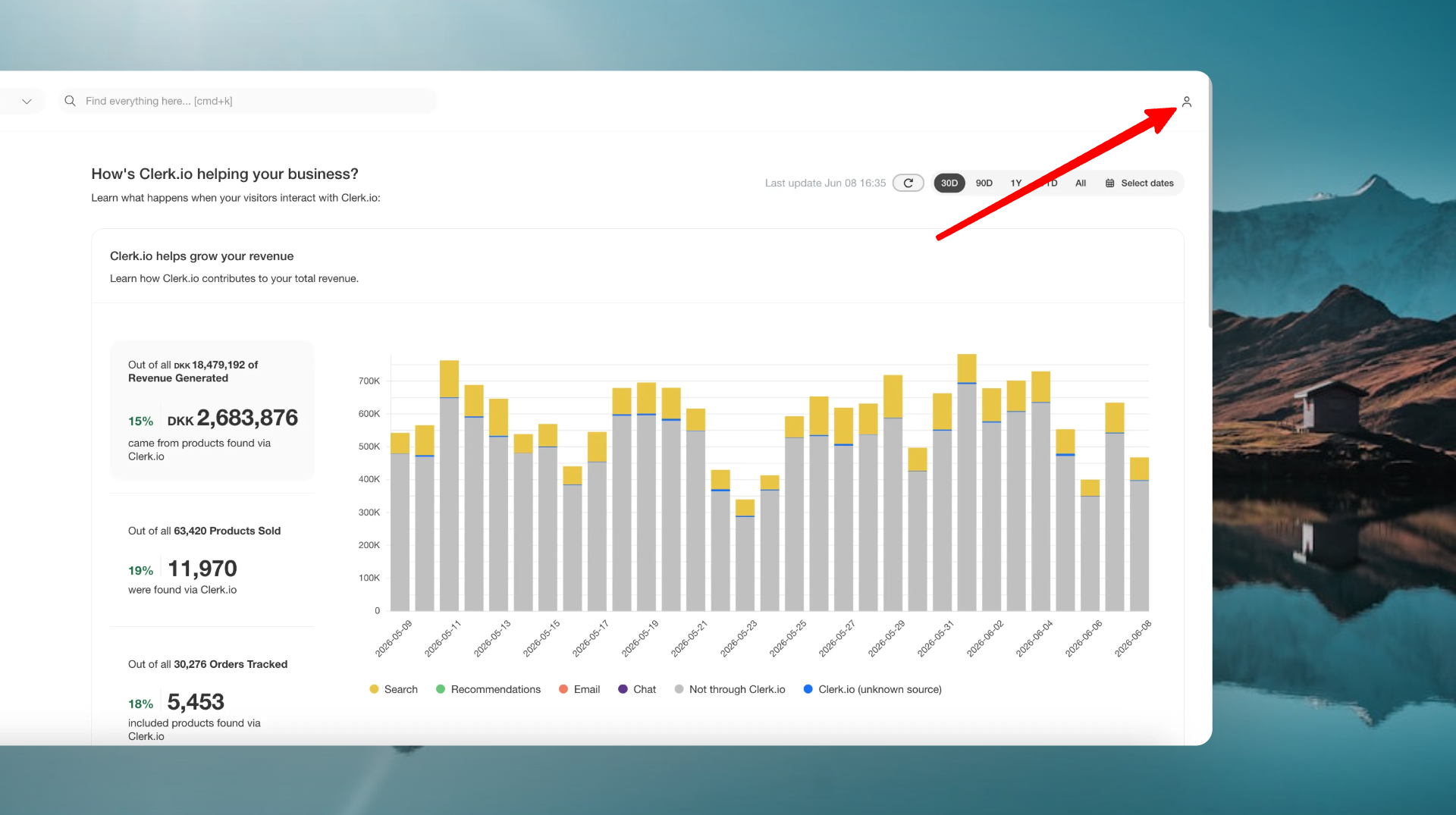
You’ll find it under:
User Settings (top right corner) → Preferences → Language
Pick your preferred language, save your settings, and the interface will update.
Why this matters
E-commerce teams are often spread across countries, roles, and languages.
One team might have developers working in English, marketers working in Danish, and store managers who prefer German, Spanish, or French.
Until now, that meant everyone had to work in the same interface language.
Now each user can choose their own.
That makes Clerk.io easier to use across international teams and lowers the barrier for people who are less comfortable working in English every day.
Built for global teams
This update is especially useful for:
- Users who prefer working in their native languages
- Stores with teams in several countries
- Agencies working with international clients
- Merchants onboarding new team members
It’s a small setting, but it makes a big difference in day-to-day use.
Try it now
Go to your user settings, choose your preferred language, and start using Clerk.io in the language that works best for you.